

Updated:
Our Blog
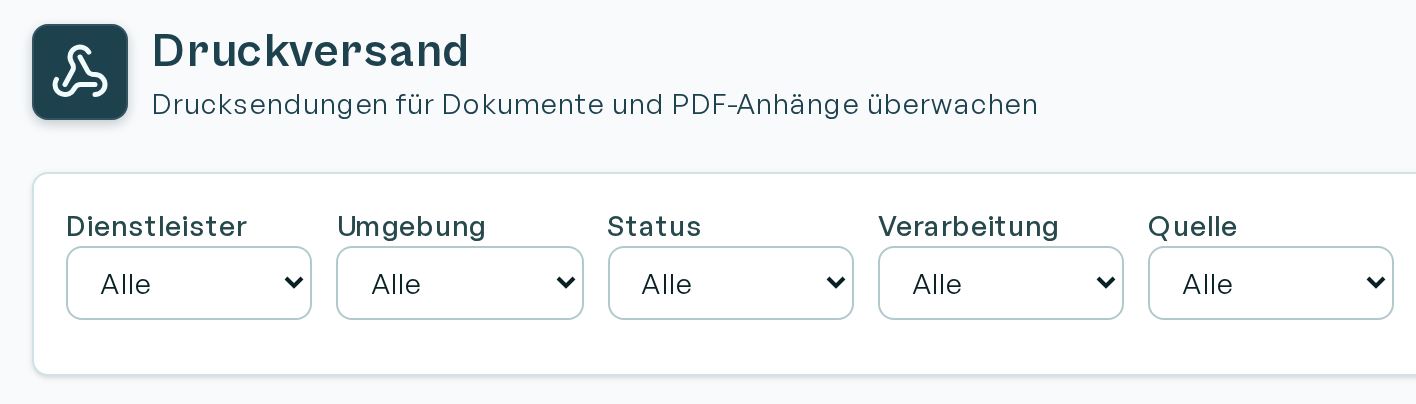
Print delivery, e-mail bounce handling and reproducible retries
Binect and E-POSTBUSINESS are now available as print-delivery integrations, and the interface for this has been simplified. Failed email shipments are also routed to exception handling and shown on the dashboard.
In addition, email webhooks can filter on delivery or bounce; bounced mail can be re-triggered as a new rendering request.
Synchronous custom webhooks now also store API responses for subsequent calls. And in the process control centre, the configuration state for preview and retry is selectable.

SharePoint editing, ZUGFeRD and e-invoicing plus a tamper-proof archive
Individual letters (formerly input masks) can now be fully edited with SharePoint in Word Online. New there as well: rich-text fields, personal signatures and dedicated roles.
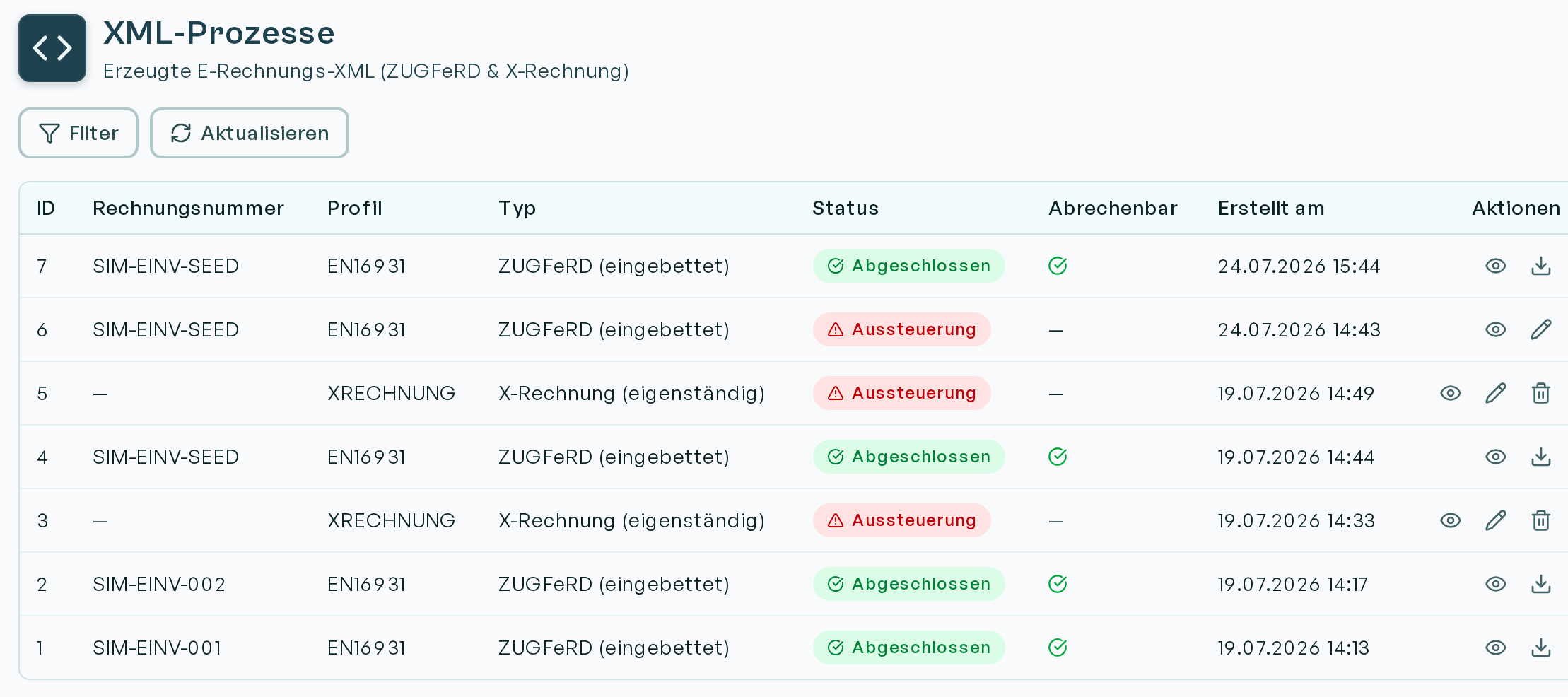
ZUGFeRD and XRechnung XML now have their own process type, immediately visible under Renderings and in the process control centre.
And last but not least, our tamper-proof archive is launching, still with straightforward versioning for templates and configuration, which we will expand into WORM in the future.
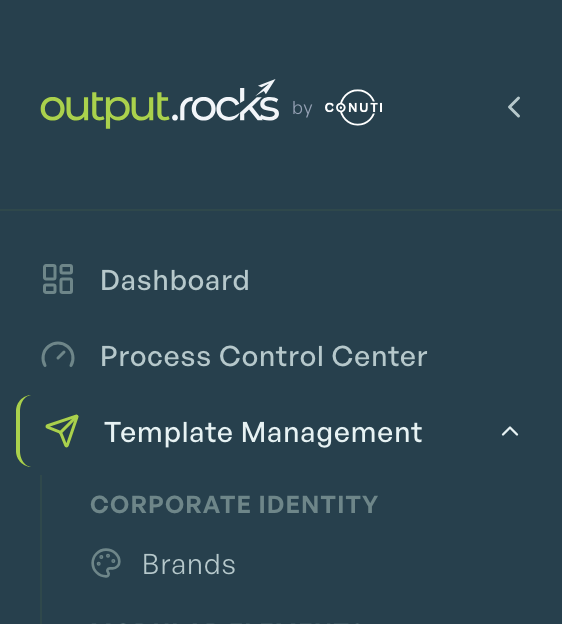
New interface with Dark Mode, Brands and AI assistance
Our app interface has been completely redesigned – on the surface and under the hood. To mark our move into the CONUTI product family we have updated the design, introduced a Dark Mode, linked the documentation more directly in the app, and made our AI reachable from every page. Rendering lists now load large volumes of data more quickly. And we now support 'brands' as an additional layer for corporate-identity variants. That is not all, though. Further features include:
- PDF overlays for testing – e.g. print templates – in the 'template editor'
- AI help: the Chart Agent and an AI assistant for email templates support configuration
- Rendering requests can now be fully simulated under 'tools', including tracing of their data handling
- QR-code and chart editors now load, save and edit existing configurations more intuitively
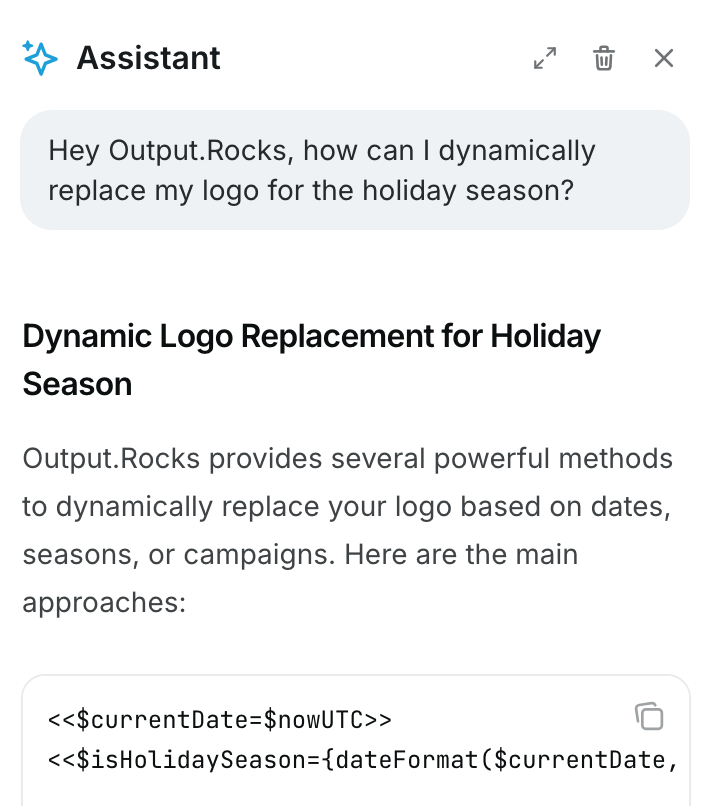
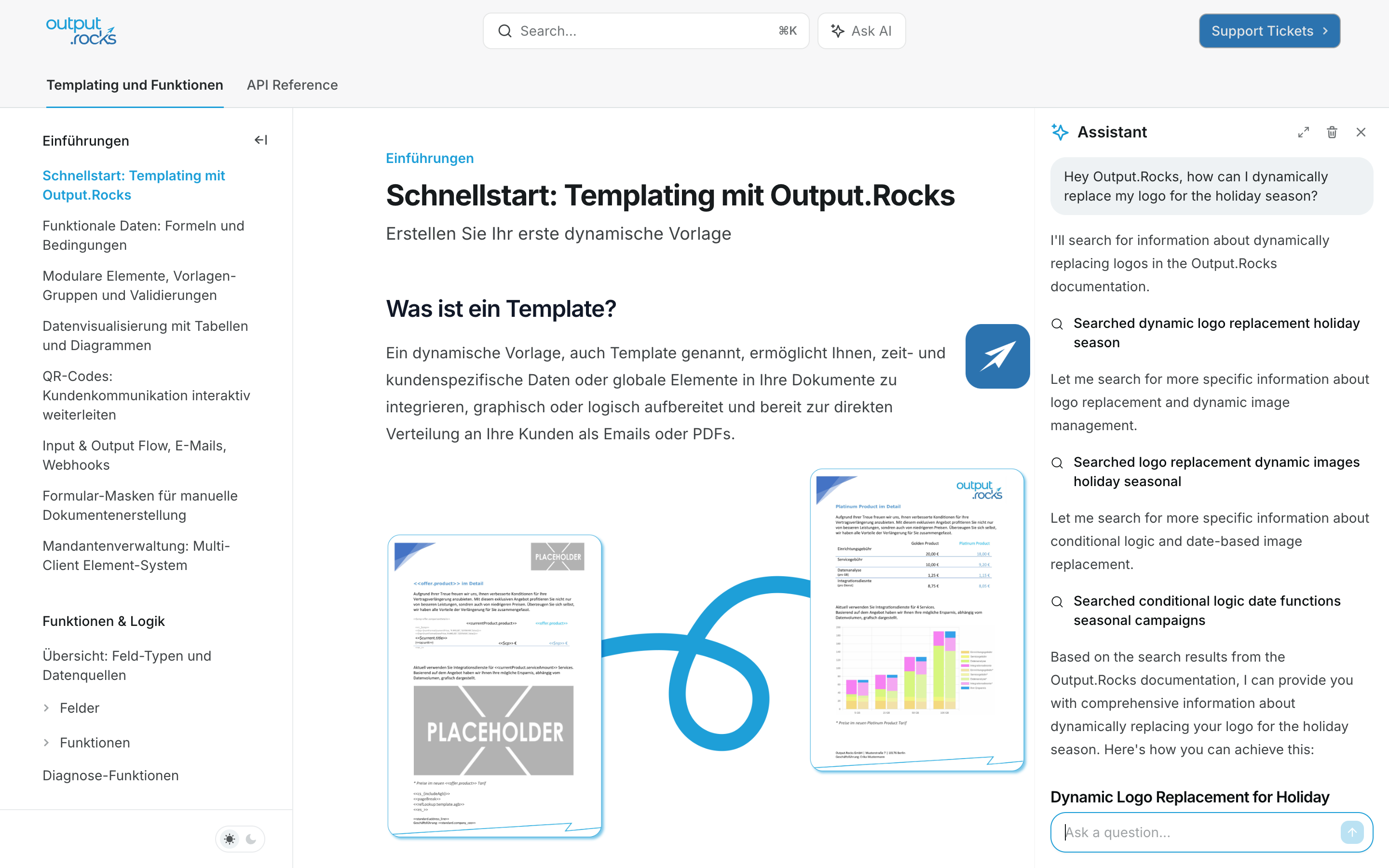
New Documentation with Tutorials and AI Assistance
Our documentation has been completely revised and, with its intuitive AI chat, provides quick and direct help with any individual question. Try it out!
The AI is based on the new technical explanations of all functions.
You can also dive into the possibilities of Output.Rocks yourself with the new comprehensive step-by-step introductions:
From quick start to modular elements, validations, data visualisation, input masks and client management, all areas of Output.Rocks are explained in detail in tutorials.
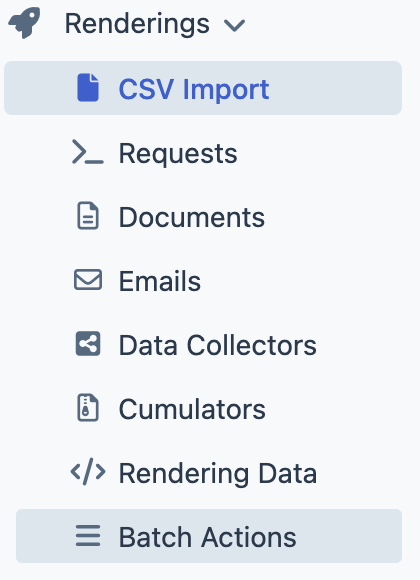
CSV Imports for Renderings
The CSV import feature is now available. With this new feature, CSV files for renderings can be uploaded. The uploaded data is automatically converted into rendering requests and processed by the system.